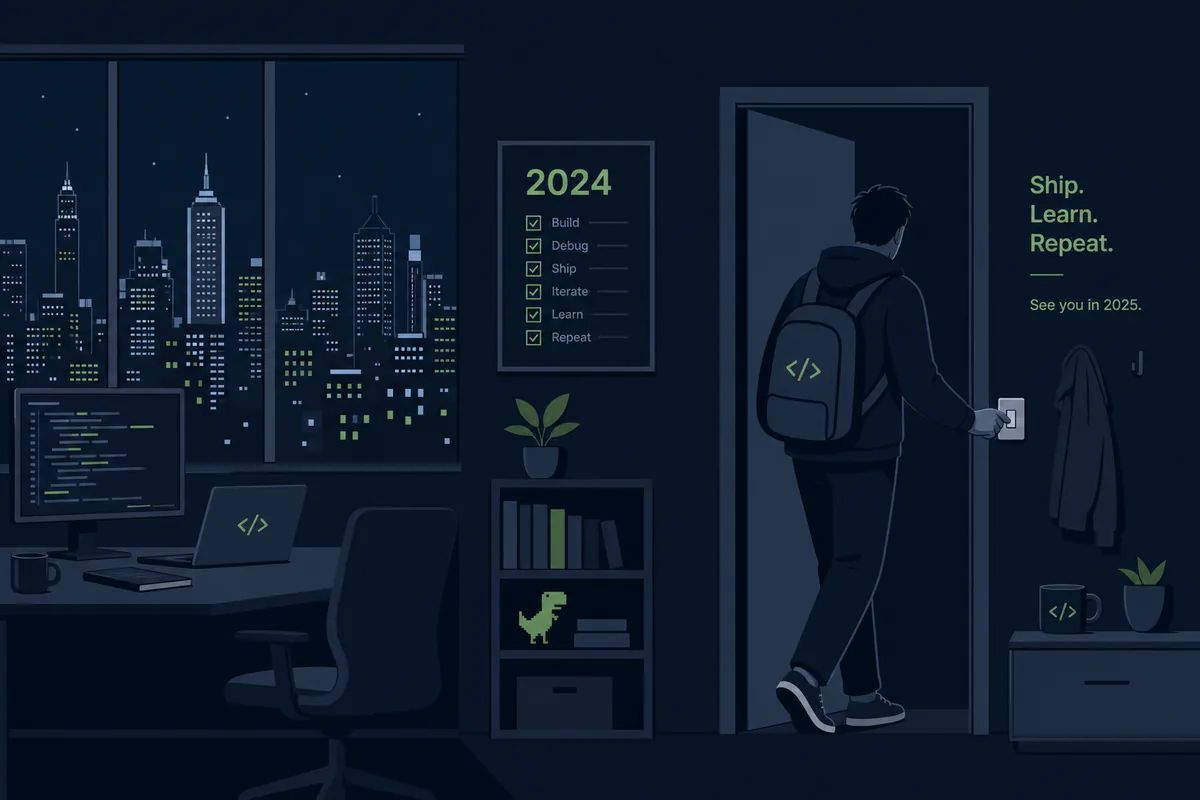
※ Editorial Note: The following work scenarios and characters are fictional to help explain the terms. They do not represent the author's actual experiences or real events at any specific company.
Let's imagine a scenario where a fictional operations team needs to submit the system change history for the past year ahead of a year-end security audit.
While wondering where to start gathering the data, they dug through the logs and found that everything they needed was already stored in one place.
The reason why a complete record of who changed what and when remained: Audit Log
Opening the past year's logs again, a complete, chronological record showed exactly which operator performed what task. It was a separate record where the system itself automatically logged all critical actions, without requiring anyone to write them down manually. Much like bank CCTV footage, no one usually looks at it until an incident like the one in our scenario occurs. We submitted this log directly to the auditors.
A record that automatically logs who did what and when in chronological order
While organizing the logs, they remembered a mode they had always enabled before any major changes this year.
The reason for checking before touching code or starting major tasks: Plan Mode
It was a habit taught by a senior colleague early in their career: "The riskier the task, the more important it is to have it plan first, then execute."
text
1[PLAN MODE] 코드를 수정하지 않고 계획만 세웁니다.
It was a method of planning what to change and in what order before actually modifying files, allowing a human to review the plan before execution. Similar to getting blueprints approved before remodeling a house, this habit saved them from major incidents across several tasks this year.
A workflow that plans before touching code and executes only after review
Since the audit documentation also needed to include automated pipeline items, they looked up the CI server configurations. They found the answer in the official documentation as to why it runs automatically every time without a single screen.
The reason the server runs by itself without a UI: Headless Mode
bash
1$ claude --headless "테스트 실행하고 결과 요약"
According to the documentation, there was a way to run things other than having a human interact with a UI. It was a method of running via a single command without a screen or chat window, leaving only the results in a file or log. It was like an unmanned store that runs on its own according to set procedures without human supervision. The tests that ran automatically overnight throughout the year were possible thanks to this mode.
A method of executing via a single command without a chat window and leaving only the results
While reviewing the pipeline code, they wondered why a configuration a colleague made a few months ago was there.
Preventing too many concurrent requests from flooding in: Semaphore
js
1const semaphore =newSemaphore(5);// 동시에 5개까지만
Looking at the code their colleague had written, a comment explained that too many concurrent requests to an external API had previously caused them to get blocked, which is why they added this guard.
It was a traffic-light-like mechanism that allows only a set number of requests to pass through simultaneously, making the rest wait their turn when all slots are full. It is similar to letting only five people into a narrow hallway at a time and making the rest line up. Thanks to this configuration, the same incident in our scenario did not recur this year.
A structure that allows only a set number of concurrent entries and makes the rest wait
Just as they finished gathering the audit data, they found a root cause analysis file from a major outage earlier this year sitting in a corner of a folder.
The last footprint left when a server completely crashes: Core Dump
text
1Segmentation fault (core dumped)
2core.12045 generated
When they first saw this file, which was several hundred megabytes in size, they didn't even know what it was. But they figured it out thanks to the explanation the system generated. It was a method of freezing and saving the exact state of memory at the moment a program suddenly crashes into a single file. It was similar to sealing an accident scene so that forensic investigators could reconstruct it later. Thanks to this file, they pinned down the exact cause of the outage, allowing them to include both the root cause and preventive measures in this year's audit report.
A structure that freezes and saves the memory state right before a crash into a single file
By the time they gathered all the audit data, it was already dark outside, and only a few people were left in the office.
It was just early this year when they panicked in Part 1, not even knowing what a sub-agent was. Since then, they learned unfamiliar terms like hooks, slash commands, sandboxes, compilation, and deadlocks through hands-on experience. Looking back, each unfamiliar term, though confusing at the moment, eventually acted as a signpost that helped them recognize things much faster the next time.
Frequently Asked Questions
How long should audit logs be kept?
It depends on the industry or regulations, but they are typically required to be kept for at least one year. Considering storage costs, a common practice is to compress old logs and move them to a separate archive.
How do you determine the semaphore limit?
There is no set answer; it is determined by referencing the number of concurrent requests the destination server can handle. If it is too small, wait times will increase, and if it is too large, the issue you intended to prevent may recur.
Can anyone open core dump files?
Since it captures the exact memory state at that moment, it may contain sensitive information. Even for investigation purposes, it is safest to restrict access permissions and securely delete it once review is complete.
This is Part 14 of the <a href="/glossary/code-generation" class="glossary-link" title="A technology in which AI automatically writes programming code based on natural language descriptions or the context of existing code.">AI Coding</a> Glossary series. Concluding the series, the AI Coding Glossary wraps up with Part 14. From Part 1's sub-agents to Part 14's core dumps, we have compiled 70 terms through hands-on experience. Thank you for reading.