※ Editorial Principle: The work situations and characters below are fictional scenarios to help understand the terms. They do not reproduce the actual experiences of the author or events of a specific company.
In a fictional project where more than thirty commits have accumulated after developing features for two weeks, we start cleaning up before a PR.
When I asked the agent again about the naming convention we decided on at the beginning of our past conversation, it remembered it accurately, but it felt like it was hesitating slightly before giving the answer.
The reason why responses get slower for older conversations: Warm/Cold Memory
I looked up the official documentation and found the reason. While recent conversations are kept in a place where they can be retrieved immediately, conversations from a long time ago are moved to a place with slightly slower access and recalled when needed.
Frequently used items are kept on the desk, while occasionally used items are stored in the warehouse and taken out when needed. That brief moment of taking it out of the warehouse was the hesitation I just experienced.
Structure where recent and old conversations are stored and recalled at different speeds
Just as I was about to check the naming convention again and start cleaning up, a strange word in a comment left by a colleague last week caught my eye.
The reason why conversations are automatically cleaned up when they get long: Compaction
I saw that a colleague left a comment on the PR saying, "Because of session compaction, you might have to repeat that," and I looked up what it meant.
It was a process where as the conversation keeps building up and approaches the limit, the older parts are summarized and compressed as a whole to free up space for recent content. Just like packing clothes into a suitcase, since you can't carry everything, you reduce the volume to bring as much as possible.
Process of compressing the entire old conversation into a summary
Returning to branch cleanup, I discovered that the main branch had moved far ahead in the meantime. When I ran the command, the tool explained the situation by itself.
When you want to rebuild your branch on top of the latest state: Rebase
bash
1$ git rebase main
2Rebasing (3/12): replaying your commits on top of main
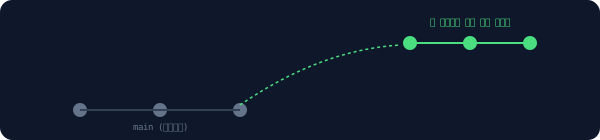
Reading the explanation on the screen, it made sense. Instead of merging the main branch while leaving the author's commits as they were, it was a method of rebuilding each of the author's commits on top of the latest point of the main branch.
It is similar to placing the same blocks in order on top of a newly raised base, rather than rebuilding an already stacked block tower from the bottom. The history became much cleaner.
Structure of rebuilding your own commits on top of the latest point of the main branch
After finishing the rebase, I remembered that a bug fix commit made in another branch was also needed here. I searched through notes I had left in a similar situation in the past.
When you want to pick and move just one commit: Cherry-pick
bash
1$ git cherry-pick a1b2c3d
When I specified just one commit number as written in the memo, none of the other changes from that branch came along, and exactly that one commit was moved to the current branch as it was.
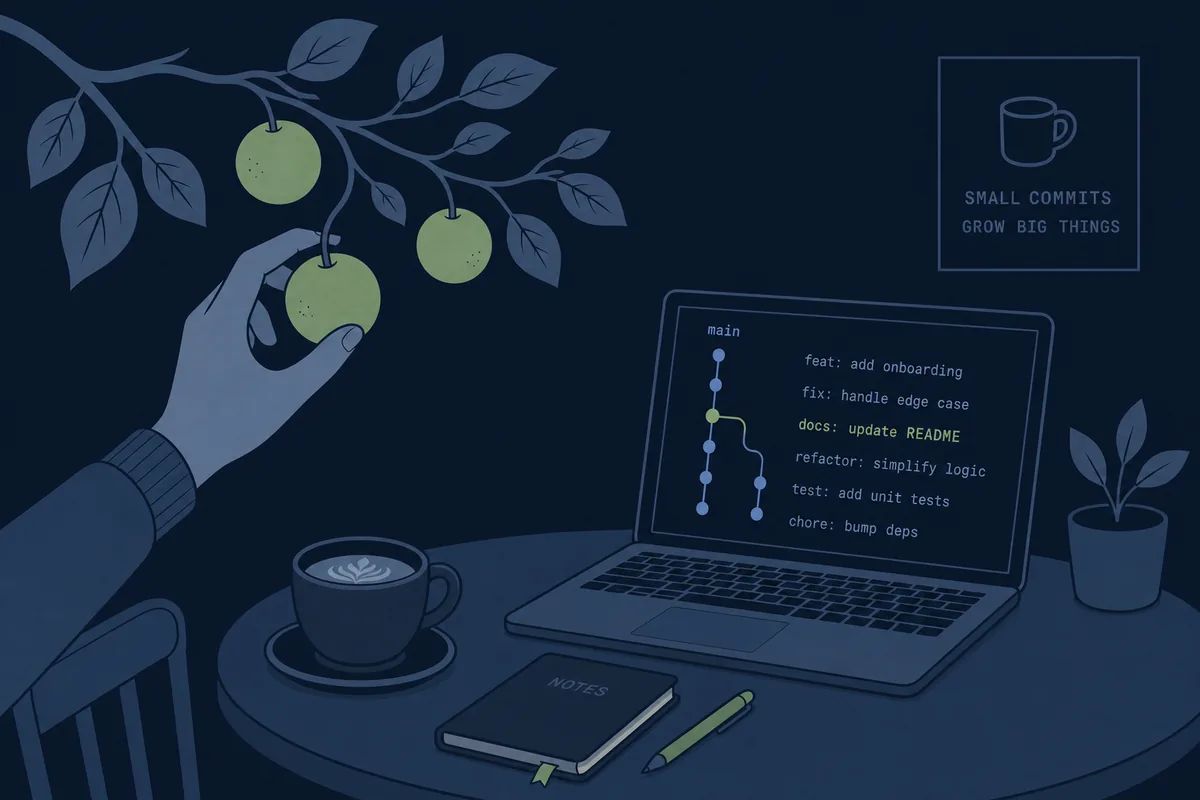
It was a method of specifying a single commit and moving it to another branch, just like picking exactly one fruit from a tree. I could bring in exactly the necessary fix without needing to merge the whole branch.
Structure of picking and moving only one commit, leaving other changes in the other branch behind
After moving the commit, I felt embarrassed to show over thirty minor commits to the reviewer one by one. Only after repeating similar worries several times did I realize that I always spend all my cleanup time on this issue.
When you want to combine thirty minor commits into one: Squash
bash
1$ git rebase -i HEAD~30
2pick → squash (29개 커밋에 적용)
It was an operation to press and merge minor commits accumulated like "Fix typo", "Fix typo again", and "Real final typo fix" into a single meaningful unit. It is similar to organizing notes written across thirty sheets of paper into a clean one-page report. The reviewer only had to see one completed change instead of thirty trial-and-error attempts.
Structure of compressing and combining multiple minor commits into a single meaningful unit
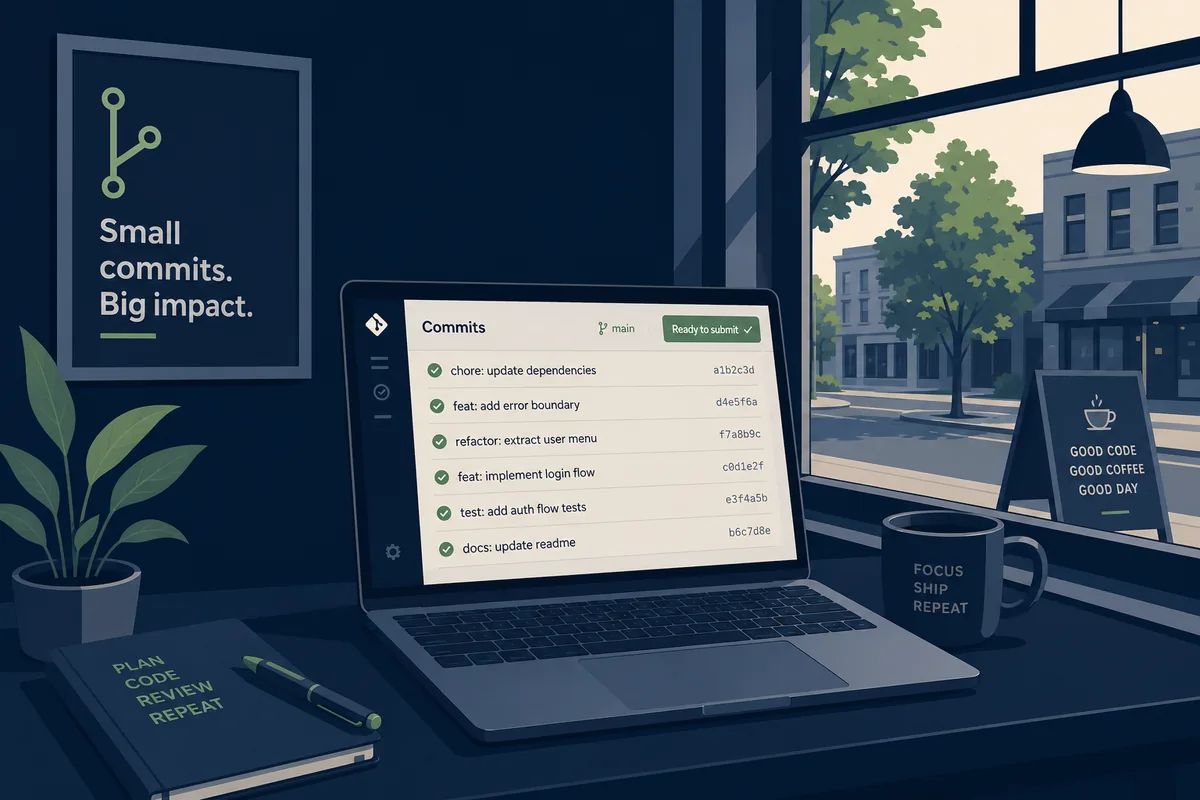
The PR submitted after cleanup became one with five commits instead of thirty. It took half a day to restructure the commits based on what the reviewer would see, but that half day came back directly in the form of a shorter review.
Frequently Asked Questions
Does compaction completely delete previous details?
Rather than disappearing completely, they remain in a summarized form. However, because minor details can be left out during the summarization process, it is safer to save important rules in a file rather than in the conversation.
What is the difference between rebase and merge?
Merge creates a new point combining the two histories and leaves the record as is, while rebase rearranges the history itself to clean it up as if it were worked on that way from the beginning. Preferences vary depending on the team convention.
Does squashing completely erase the old commit history?
It appears as one from the perspective of the merged branch, but it may remain in the original branch or local history for a while. However, when squashing commits that have already been pushed to remote, it is safer to consult with team members in advance.
This is the 10th episode of the <a href="/glossary/code-generation" class="glossary-link" title="A technology in which AI automatically writes programming code based on natural language descriptions or the context of existing code.">AI coding</a> tool glossary series. Preview of the next episode · Episode 11: The last day writing handoff documents ahead of a long vacation. Handoff · Scratchpad · <a href="/glossary/token" class="glossary-link" title="The basic unit through which an LLM recognizes and generates text, created by breaking sentences into semantic pieces smaller than words or characters. It is a key metric that determines the computational cost of the AI model, response speed, and the amount of information it can remember at once (context window).">Token</a> Burning · Detached HEAD · Upstream · .gitignore