※ Editorial Principles: The work situations and characters below are virtual scenarios to help understand the terms. They do not recreate actual author experiences or events at specific companies.
Let's assume a situation where a process remains even after a task completion message is displayed after running a large image conversion script for a long time.
When I came back and tried to close my laptop, the fan noise was still loud. This was even though the task was already shown as completed.
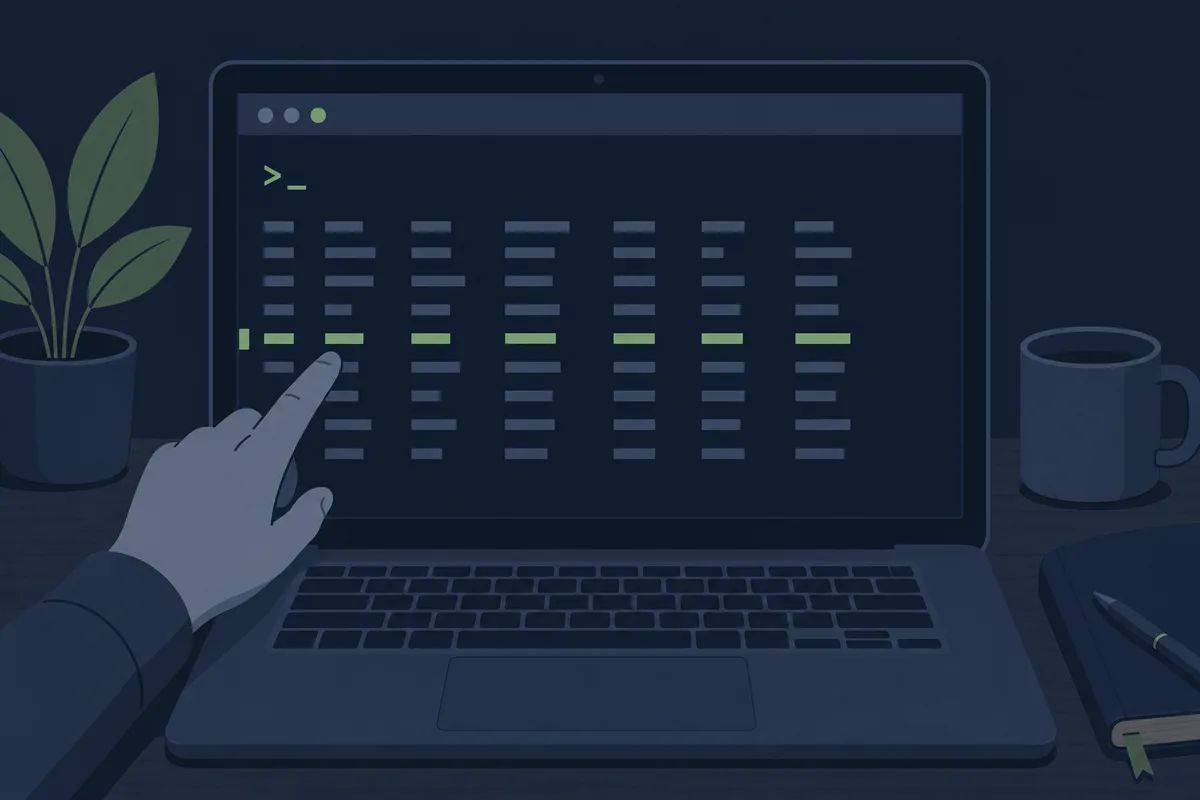
When the laptop fan keeps spinning even though the task is finished: the identity of a zombie task
bash
1$ ps aux | grep node
2user 4821 98.2 node convert-images.js
3user 4822 0.0 node convert-images.js <defunct>
When I searched, the <defunct> marker on the line below was the key. The task itself was finished, but the parent process, which was supposed to clean up the results, remained without checking that fact yet. It was a state where the work was done but it was just taking up space without being cleaned up.
Only then did I understand why it was named a "zombie" of all things. The state of being dead but not completely gone and just taking up space sounded like just a creepy slang word when I didn't know where the expression came from.
A state where the task is finished but the parent process has not retrieved the results, leaving only the slot
A few days after putting it to sleep, I ran ps aux again, and this time I saw something a bit different.
Why an orphan process remains when the process is still alive even after closing the terminal window
bash
1$ ps aux | grep node
2user 5310 1 node long-crawler.js # PPID가 1
I thought it was strange that the PPID (parent process ID) was 1, so I looked at the logs again. Number 1 was originally the process ID that the system starts up first. The crawler task, for which I had just closed the terminal window a few days ago, was adopted by the system as soon as its original parent terminal disappeared, and was still running.
Even if the parent disappears first, the child process does not terminate on its own, but the system takes over and continues running it. Instead of dying along with the lost parent, it was quietly continuing to work under another guardian.
The problem was that this wasn't noticeable. I assumed it would naturally end because I closed the terminal, but the crawler kept running for three more days after that, filling up the disk.
A flow where only the child process continues to run over time even after the terminal disappears
Working alone, there wasn't really anyone to ask about this kind of thing, but just then, a former colleague contacted me asking what I've been up to lately.
When processes pop up in crowds in the terminal: Agent Swarm
When I captured and showed my screen, my colleague laughed and said, "I see that often lately too. I intentionally run several of them when doing a large refactoring."
According to my colleague, instead of a single agent sequentially processing a task divided into hundreds of files, there is a method of running several agents simultaneously and dividing the areas among them. Since it is a structure where multiple agents process their respective parts simultaneously like a swarm of bees and disperse when finished, they said it is not strange to see multiple processes at once.
When working alone, I thought something went wrong if multiple processes popped up, but that day was the first time I learned that there is a specific method to intentionally run them that way.
A structure where multiple agents simultaneously process a single task by dividing it into sections
Since there were many concepts I encountered for the first time while working alone, I developed a habit of digging through official documentation first whenever I got curious. I hit another block while trying to open a file downloaded by the crawler.
When a file without an extension is executed: what a binary does
When I opened a file that the crawler retrieved for image conversion with a text editor, only unrecognizable characters appeared. When I looked up the documentation, the reason was clear.
It was not a file stored in characters that humans read, but a file made of only 0s and 1s that a computer can directly execute or process. Just as you can read a cooking recipe with Notepad, but cannot read compressed machine code itself with human eyes. Most executable files, image processing tools, and compressed libraries were being downloaded in this format.
When judged by human readability, binaries are at the opposite end of the spectrum
I figured out the file's identity, but when I actually tried to run this tool, another error occurred.
When running one tool drags in a chain of others: the structure of trailing dependencies
text
1Error: sharp module version mismatch
2Expected: 0.33.x, Found: 0.30.x
While looking through past commits of others who use the same tool, I found that the version written in package.json was different from the version installed on my computer.
For this single tool to run properly, several other tools had to be installed along with it at designated versions. It is similar to how cooking a dish requires not only the recipe but also matching specific brands of condiments. Only after matching the versions and reinstalling did the conversion work run properly.
A layered structure where the tool used by my script requires yet another version inside it
Only after cleaning up all the remaining processes did the laptop fan quiet down. The words I encountered that day were all different, but they were asking one thing: Is the task I thought I finished really finished?
Frequently Asked Questions
Is it dangerous to leave zombie tasks or orphan processes as they are?
One or two won't be a big problem, but if they accumulate, they will continue to consume memory and CPU. It is safer to clean them up using the <code>kill</code> command, or develop a habit of checking the normal termination message instead of closing the terminal immediately after the task is finished.
Is it always advantageous to run multiple instances in an agent swarm?
It is advantageous when there are many files and the tasks are independent of each other, but if tasks need to exchange results, the coordination cost increases instead. Rather than unconditionally running multiple, it is better to decide based on the nature of the task.
Does a dependency version mismatch always cause an error?
Not always. Sometimes minor version differences are ignored and passed over, which makes it more troublesome when it seems to run fine on the surface but silently behaves differently only in specific functions.
This is Part 3 of the <a href="/glossary/code-generation" class="glossary-link" title="A technology in which AI automatically writes programming code based on natural language descriptions or the context of existing code.">AI coding</a> tool glossary series. Preview of the next episode · Part 4: Unfamiliar words encountered by an intern ahead of their first deployment without a senior: Kill Switch · Backoff · Repository · Compile (Build) · Runtime